What to check before importing Airtable
An import needs to preserve the meaning of your data as well as its rows. Before moving a base into Appdor, check access, field mappings, formulas and the views your team relies on.
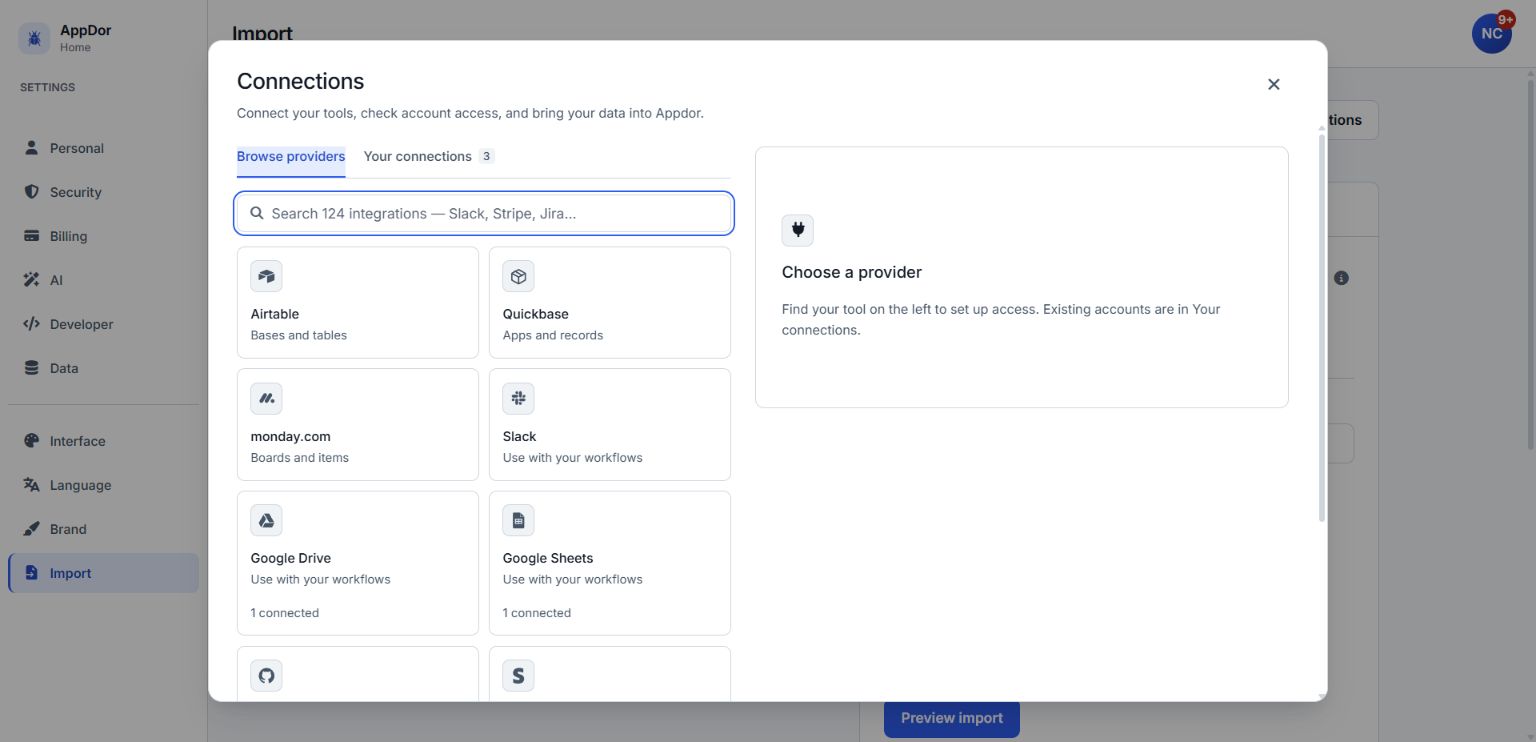
- Choose a manageable first base. List its tables, key relationships and important formulas. Keep a reference copy of a few source records and their calculated results so you can compare them afterward.
- Check the token's access. In Airtable's Developer hub, open Personal access tokens and create a token for the base you intend to import. Appdor's importer needs schema.bases:read and data.records:read. A token also needs access to the selected base, and it can only perform actions allowed to its owner.
- Open Appdor's importer. In settings, choose Import, then Airtable. Under Import from Airtable, enter the credential in Airtable personal access token. Manage connections opens the Connections panel shown above; Browse providers includes Airtable, while Your connections shows existing connections. Keep token values out of screenshots or shared posts.
- Select and preview the base. Choose List my bases, then select the intended base. Alternatively, enter its identifier in Base ID (or choose a base above). Choose Preview import. Review each table's column mapping, its record count and the migration warnings. Resolve missing-access or truncation warnings before proceeding.
- Check the details that need judgment. Inspect formula translation warnings and compare calculated results with your source examples. Review linked records and rollups. Airtable's metadata does not supply every view's filters and sorts, so recreate and verify those rules before sharing an imported view. Review any warning about a missing rollup aggregation and choose the intended calculation.
- Import after reviewing the preview. Choose Continue to import, then Import into my workspace. This creates a new application with its tables. Check the resulting records, links, calculations and warnings before moving your team's routine work to it.
A useful acceptance check is concrete: can your team find the expected record, see its linked record and reproduce an important calculated result? Keep Airtable available while you resolve differences and decide how to switch.