
1.30.0 2026-08-24 Newest
AI app drafts you review
Describe an app and review its tables and fields before creating it. The draft includes views, private and closed forms, a dashboard, navigation and disabled workflows, with no sample records.
Bring the Excel files your team already uses. Appdor turns them into an app with forms, dashboards, approvals and reminders. No code needed.
Free plan for up to 5 editors. Viewers are always free.

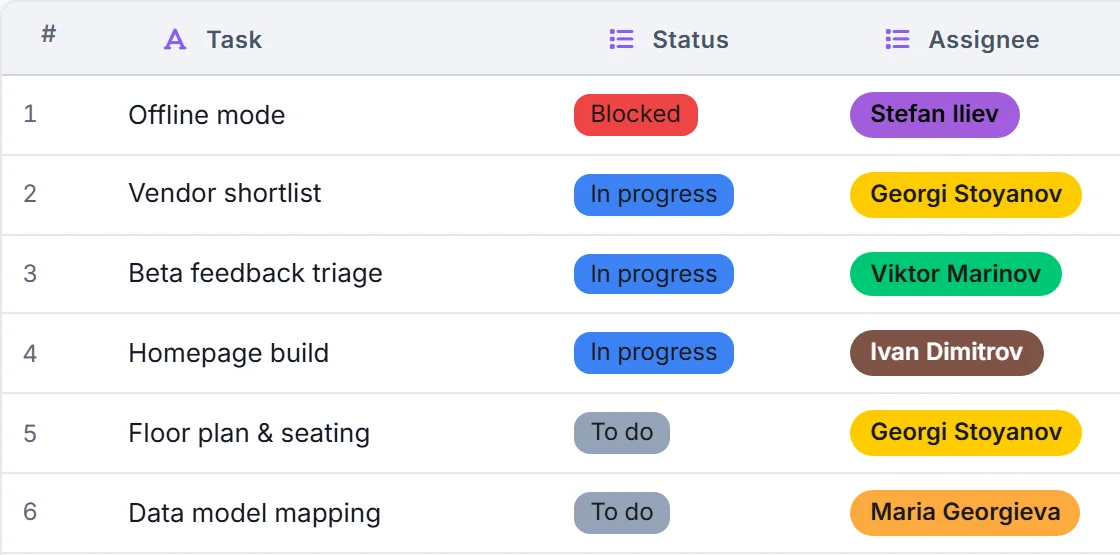
Start from a ready-made app, then change anything you like: columns, views, forms and steps.
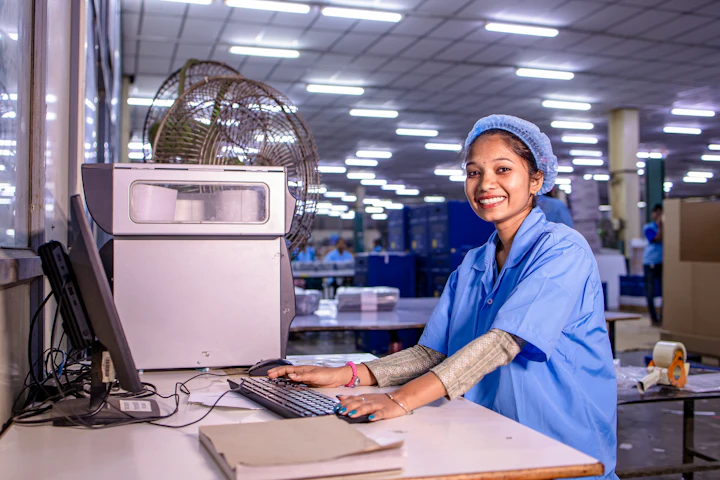
Log every problem, assign the fix and see what is still open.
See the template
Track orders, machines and downtime on the shop floor.
See the template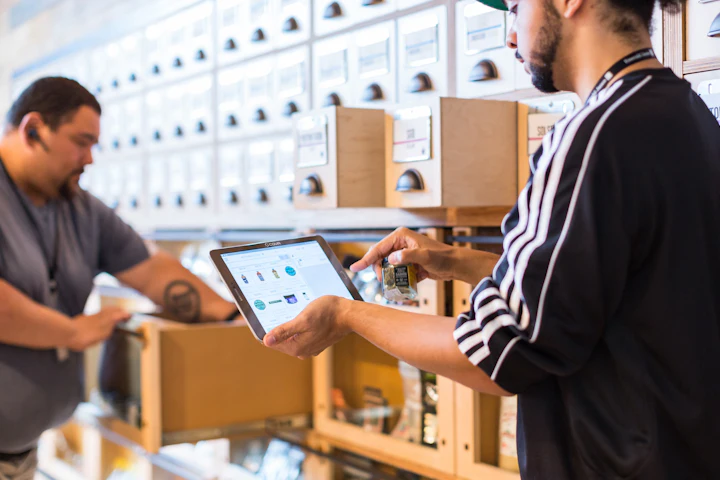
Know what is in stock, what is on order and what is running low.
See the template
Follow every candidate from application to first day.
See the template
Keep every customer, deal and follow-up in one place.
See the template
Plan the work, share the status and meet the deadline.
See the templateImport an Excel or CSV file, or start from a ready-made template.
Add the forms, views and dashboards your team needs. No code.
Invite your team. Everyone works from the same data, and reminders keep things moving.
Track
Replace scattered spreadsheets with one shared list. Each record keeps its details, files and comments together.
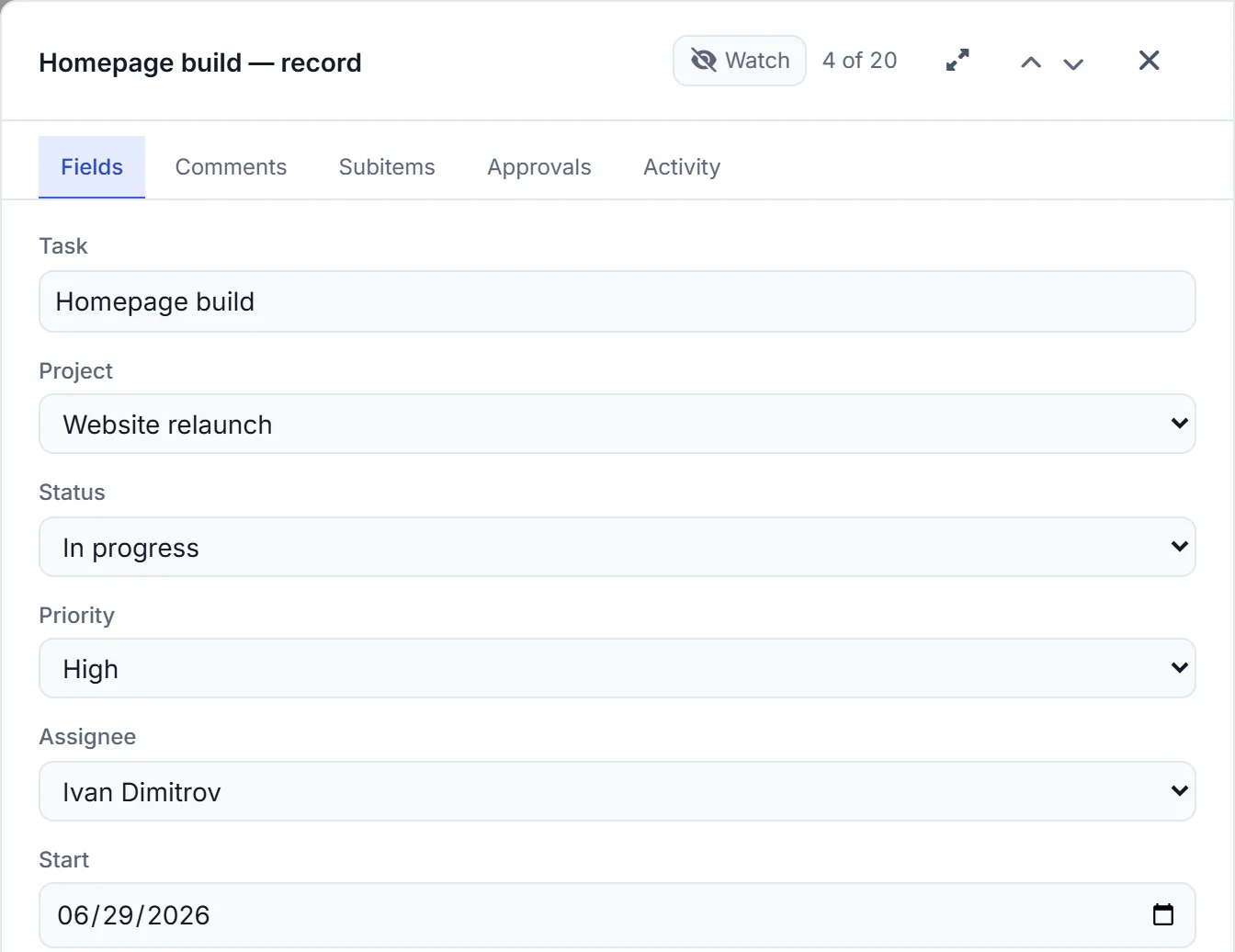
Collect
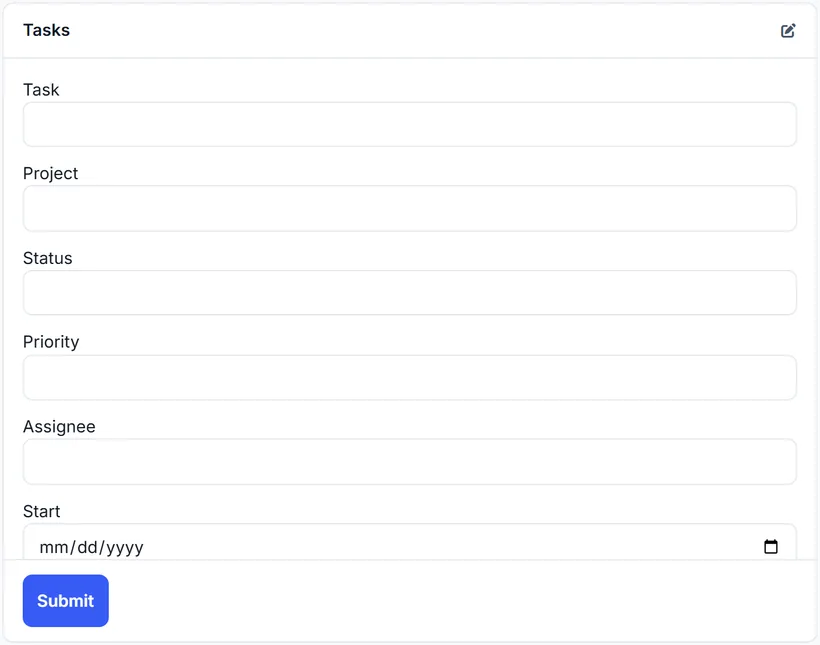
Share a form and every answer lands in the right table, complete and ready to use.

Automate
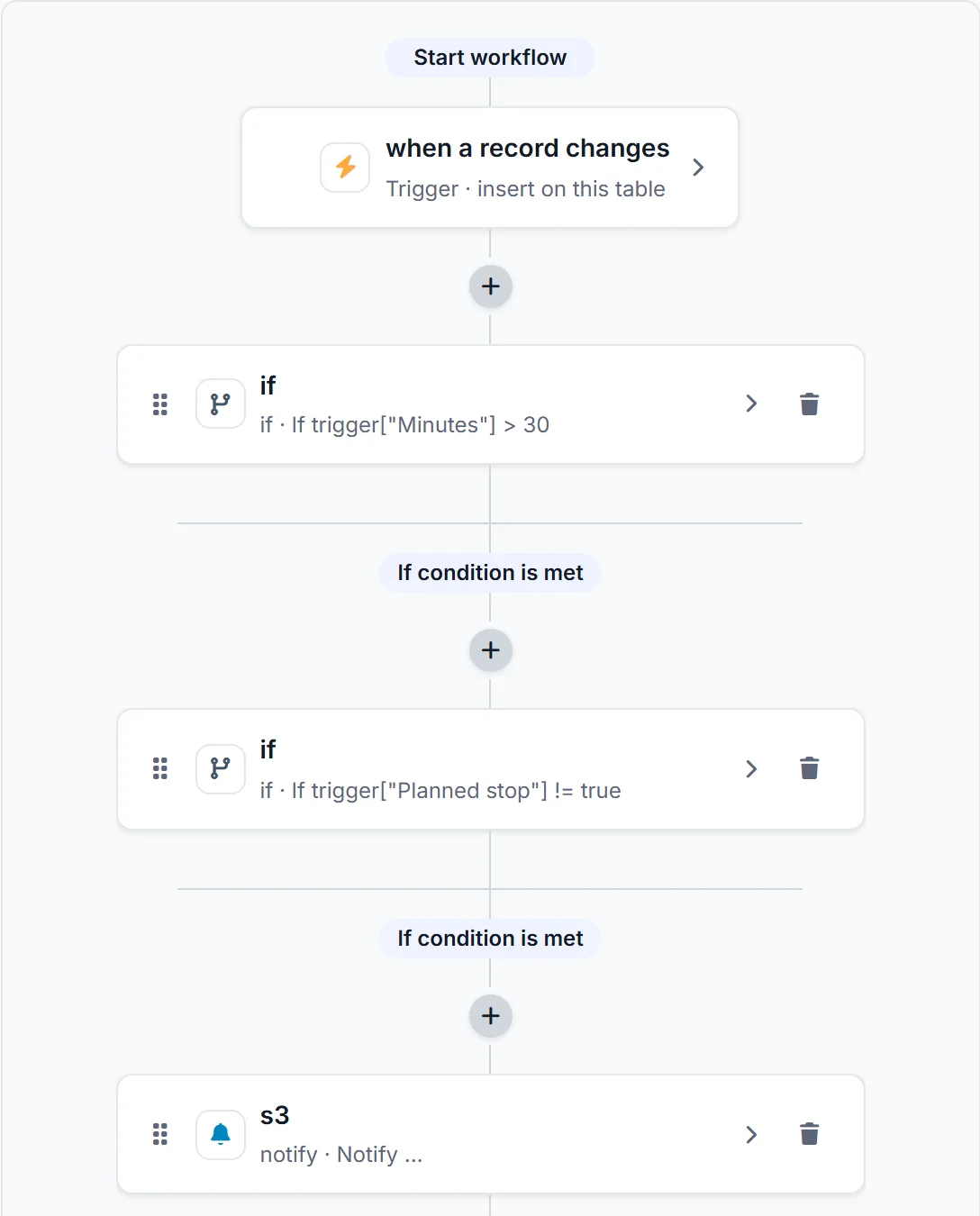
Decide what should happen next. Appdor sends the reminder, asks for the approval and updates the record.
See
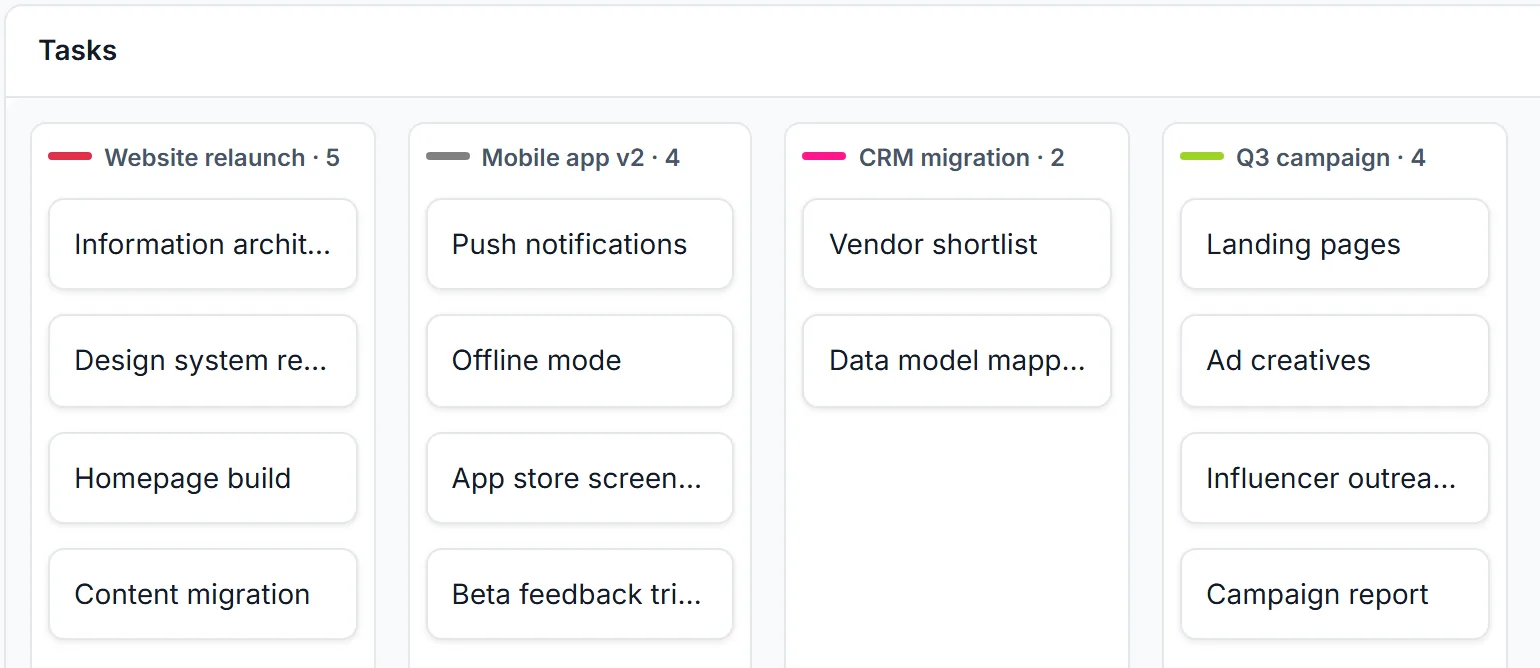
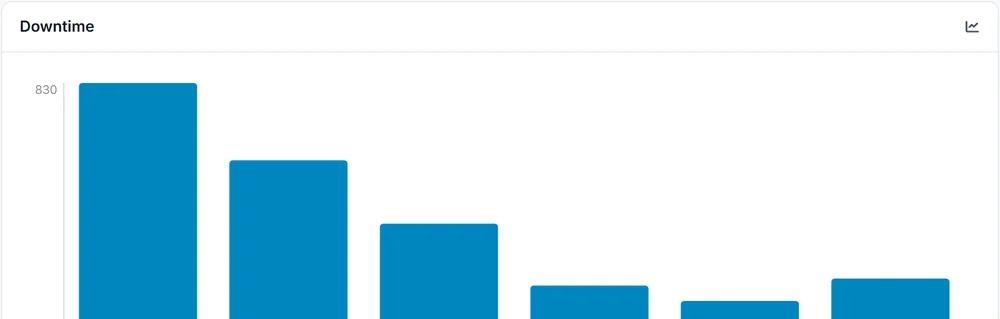
See the same data as a board, a timeline or a dashboard. It is always up to date.
Templates
Choose from ready-made apps for teams and industries: quality, maintenance, stock, hiring, sales and more. Install one, then make it your own.
Browse templates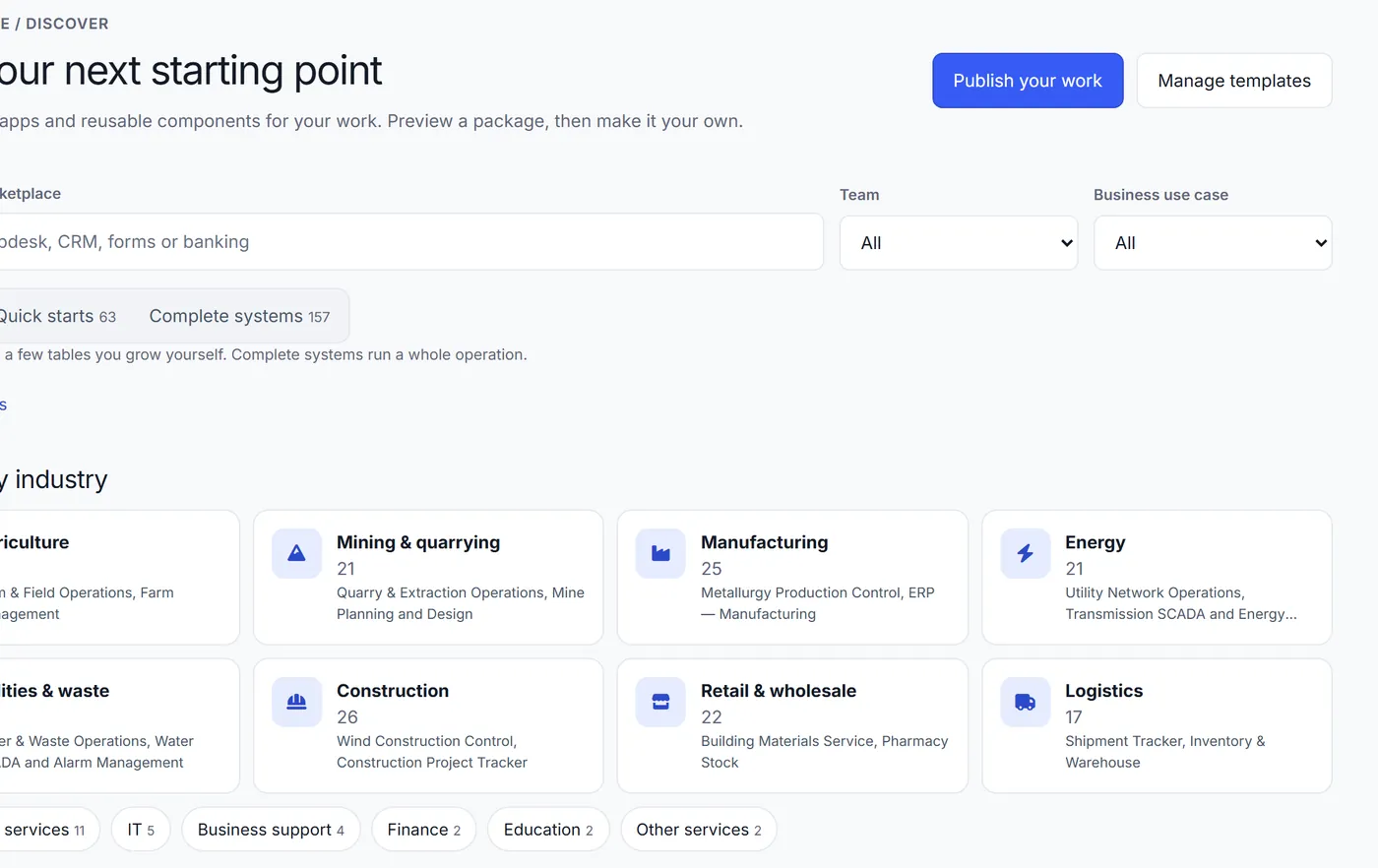
Download your data whenever you like.
Give each person the access they need, and nothing more.
Look back at who changed a record, and when.
Use Appdor in the cloud, or run it on your own infrastructure.
Start free with up to 5 editors. Prefer some help? Send us your spreadsheet and we will build the first version with you, free.

One table, twelve ways
Every one of these reads the same records. Gantt and timeline sit behind a paid tier elsewhere; here the same twelve are on Free and on Enterprise.
Grid
Gallery
Kanban
Calendar
Timeline
Gantt
Workload
Tree
Graph
Map
Chart
Pivot
Not screenshots — each one is the drawing the product itself shows when you pick that view, and Chart is drawn here by the chart renderer Appdor ships.
Product
Counted, not estimated. Every number below is checked against the code on each build.
Self-hosting
The full Supabase stack, RLS-enforced, no phone-home — and in the EU, if that is where you host it.
# Every secret below is EMPTY on purpose.
#     docker run --rm ghcr.io/nebosa-company/appdor generate-keys > .env

POSTGRES_PASSWORD=
POSTGRES_DB=postgres

JWT_SECRET=
ANON_KEY=
SERVICE_ROLE_KEY=

# Leave blank to disable AI icon suggestions gracefully.
GEMINI_API_KEY=▍
services:
  appdor:
    image: ghcr.io/nebosa-company/appdor
    ports:
      - "${WEB_PORT:-8080}:80"
    environment:
      POSTGRES_PASSWORD: ${POSTGRES_PASSWORD}
      JWT_SECRET: ${JWT_SECRET}
      ANON_KEY: ${ANON_KEY}
      SERVICE_ROLE_KEY: ${SERVICE_ROLE_KEY}
      BYOK_ENC_KEY: ${BYOK_ENC_KEY}
      PORTAL_SESSION_SECRET: ${PORTAL_SESSION_SECRET}
      POSTGRES_DB: ${POSTGRES_DB:-postgres}
    volumes:
      - appdor-data:/data
volumes:
  appdor-data:▍
$ curl -fsSL https://get.appdor.com/appdor-latest.tar.gz | docker load
Loaded image: ghcr.io/nebosa-company/appdor:latest
$ curl -fsSLO https://get.appdor.com/docker-compose.yml
$ docker run --rm ghcr.io/nebosa-company/appdor generate-keys > .env
$ docker compose up -d
$ docker compose exec appdor create-user you@example.com


http://localhost:8080▍
One container, one port, one volume — Postgres, auth, storage and the app together. It runs a thirty-day Business trial out of the box, then stays readable but not editable until you paste a licence into the plan screen — checked against a key the image already carries, so there is still no licence server to call and no telemetry key to unset.
Formula translation
Appdor reads 7 competitor dialects and rewrites them into one canonical formula — field references, function names and argument order. Every pair below is real output from the transpiler that ships.
DATETIME_DIFF({End},{Start},'days')Appdor (translated)DATETIME_DIFF({End}, {Start}, "days")WORKDAYS({End},{Start})Appdor (translated)NETWORKDAYS({Start}, {End})WEEKNUMBER([Due Date])Appdor (translated)WEEKNUM({Due Date})var text Code = Left([SKU], 3); CodeAppdor (translated)LETS(Code, LEFT({SKU}, 3), Code)formatDate(prop("Due"), "YYYY-MM-DD")Appdor (translated)DATETIME_FORMAT({Due}, "YYYY-MM-DD")Not everything maps cleanly, and that is reported rather than hidden: monday.com's WORKDAYS takes its two dates in the opposite order, and Smartsheet's weeks start on Monday. Appdor converts both and tells you what changed, instead of quietly returning a different number.
Or send us the base and we work through it with you: one export, one call, and a working Appdor app with its fidelity report at the end. Free — no fee, no minimum plan.
Send us your baseWhat's new
The product ships on its own cadence — all three of these on 2026-08-24. The newest adds AI app drafts you review before creation.
Describe an app and review its tables and fields before creating it. The draft includes views, private and closed forms, a dashboard, navigation and disabled workflows, with no sample records.
User Voice is where a bug, a request or a question goes straight to the people who build Appdor, and every item carries a status you can follow — submitted, under review, on the roadmap, done. Votes now come out of a budget each person gets, so what rises is what most people want rather than whoever clicked the most times.
Feedback has an owner now, who replies officially and moves an item's status, so a report is answered rather than filed. Google Analytics loads only if you set a measurement id — a default deployment sends nothing to Google at all — and the search API stopped answering anyone without a credential.
How it behaves
Every panel below runs on the rules the product runs on — the same statuses, the same transpiler, the same workflow. Nothing here is a recording, and nothing here is waiting for you to press play.
One row, three lanes. The card is wherever its status puts it, because a board is a way of looking at the table rather than a second copy of it — change the cell and the board has already moved.
monday.com
WORKDAYS({End},{Start}) Appdor (translated)NETWORKDAYS({Start}, {End}) Flagged on import: monday.com takes those two dates in the opposite order.
Smartsheet
NETWORKDAYS([Start],[End]) Appdor (translated)NETWORKDAYS({Start}, {End}) Converted with nothing to report.
Airtable
WORKDAY_DIFF({Start},{End}) Appdor (translated)NETWORKDAYS({Start}, {End}) Flagged on import: check how your own holidays should be handled.
Three source dialects, one output. The line on top keeps changing and the line under it never does — and where a dialect means something slightly different, that is written down instead of quietly returning a different number.
This is the workflow the manufacturing template installs, not an illustration of one. Three sentences, no scripting, and it runs on the row you just watched change lanes.
The shipped catalogue
Every element, chart and widget below is on the free plan and on the self-hosted build. The numbers on the tabs are counted from the code on each build, not typed in — and the twelve view types are in the band below.
Pick anything above and it will explain itself here.
Twenty-two of them, and “which industry” is a published standard here rather than a list somebody wrote: the axis is NACE Rev. 2.1, the EU's classification of economic activities. Every section of it has a template that installs, and a field typed as an activity code is checked against the real code space — the gaps in it are the point.
The same axis filters the template gallery, so picking your section is how you find the system already built for it.
And the fields underneath them check the identifier as you type — the checksum, not just the shape.
AI here is a billing arrangement, not a plan tier. You connect your own provider account and pay that provider directly at their list price. Appdor never sits between you and the meter.
OpenAI, Anthropic, Google Gemini, Mistral, DeepSeek, Groq, xAI, OpenRouter, Together AI or Azure OpenAI — or Ollama, LM Studio and any OpenAI-compatible endpoint on hardware you own. Revoke the key and every AI feature stops.
Appdor does not buy tokens and sell them back to you. There is no margin on a model call, and no allowance folded into your seat price that you pay for whether you use it or not.
Nothing to top up mid-quarter, and no per-seat AI charge for people who never open the assistant. Cap your own spend, change provider, or switch AI off entirely — nothing else in Appdor changes.
Thirteen providers today, read from the same registry the settings screen reads. Two of them run on hardware you own and cost nothing per call.
Model names change every few months. Whose account is billed, and where the data goes, does not.
64 templates install real tables, fields, formulas and sample rows — from a three-table project tracker to a 22-table manufacturing ERP. One click, and everything in them is yours to change.
No seat minimums. Self-hosting starts with a thirty-day Business trial; after it, your data stays readable and editing needs a paid licence.
| Your monthly total | Editors | Viewers | Records | Automations | Files | Adds | |
|---|---|---|---|---|---|---|---|
| Free€0 | — | 5 included | Unlimited, free | 2,500 per base | 250 / month | 1 GiB per base |
|
| ProMost popular€12/editor/mo€10/editor/mo billed annually | — | Billed per editor | Unlimited, free | 50,000 per base | 25,000 / month | 20 GiB per base |
|
| Business€28/editor/mo€22/editor/mo billed annually | — | Billed per editor | Unlimited, free | 150,000 per base | 100,000 / month | 100 GiB per base |
|
| EnterpriseCustomfrom €40/editor/mo | — | Billed per editor | Unlimited, free | 500,000 per base | 500,000 / month | 1 TiB per base |
|
Only live runs count. A dry run previews a workflow in your browser and writes nothing, so testing an automation never spends the monthly allowance.
Read-only people are free on every plan, at any number. No seat minimums and no buckets — seven seats cost seven times one.
Prices exclude VAT.
Pick the plan you pay for today and the number of people who create or edit, and see what the same team costs on Appdor.
Today
—
On Appdor
—
—
—
Create your account, then choose a template or build your own.
Ready-made apps for CRM, projects, inventory and more.
Delete this application? Its tables and records go with it, and any public share or form links stop working immediately. You can restore it from Trash in Administration.
Select an element to add to your page. Elements are building blocks for your interface.